Company:
Claro
Business type:
Telecommunications
Project type:
Redesign Portal Web UI/UX (personal project)
Role: Design Manager
Overview
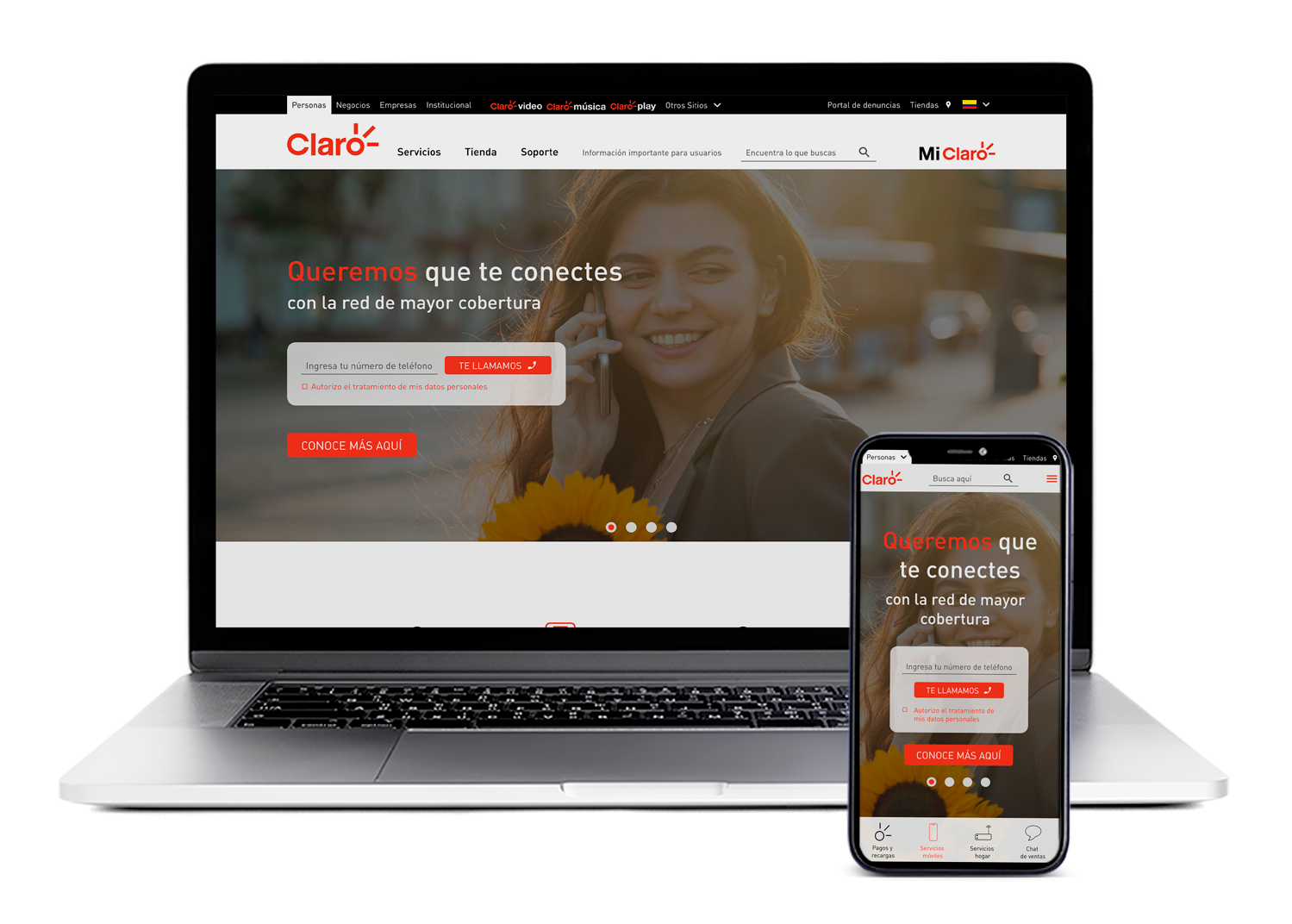
Claro it's a company with services in telecommunications, entertainment, cloud services, streaming and ecommerce, leader in Latin America with a presence in 18 countries.
Problem space
Our main task was to redesign the portal that recibes more than 3.7M of visits monthly to offer a better experience and achieve more valuable actions on the site.
Research
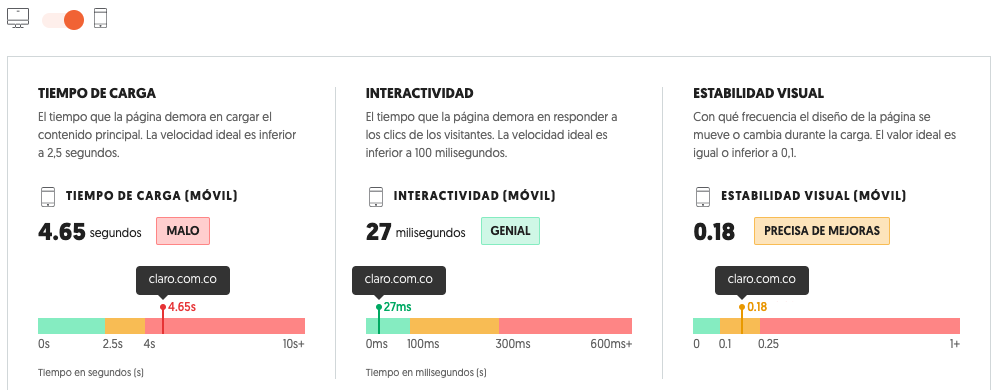
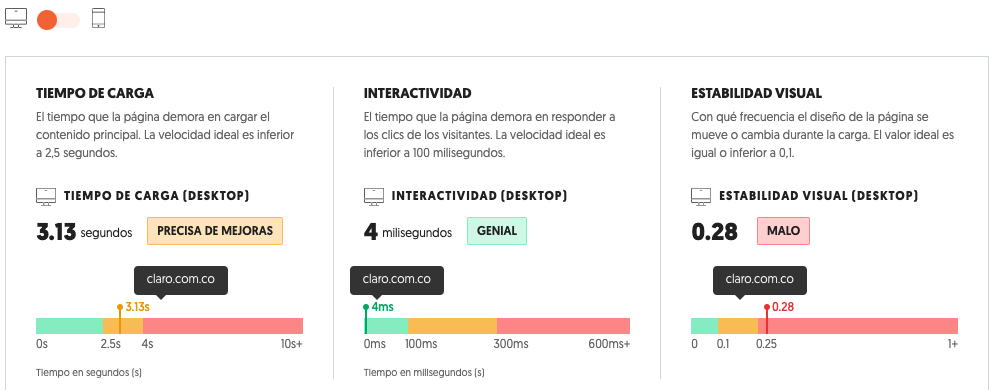
We start with a basic quantitative audit to assess the website's performance, including traffic, keywords, and speed, to gain a broader understanding of the portal. We also perform a qualitative audit to pinpoint and define opportunities for enhancing user experience, design, and content. Furthermore, we include a benchmarking process to aid in comprehending our competitors' best practices.

Process
Before starting the redesign process, we conducted a usability audit of the website based on the 10 Usability Heuristics for Interface Design to improve the UI/UX.
The next step was to conduct a benchmark study of our main competitors in Colombia: Tigo-Une, ETB, and Movistar, as well as other world-class companies such as AT&T, T-Mobile, China Mobile, Vodafone, and Verizon, to compare design, communication tone, structure, etc.
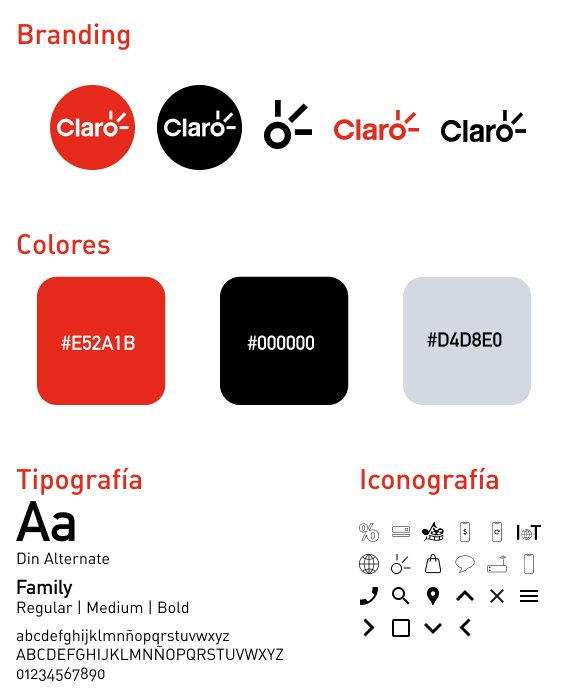
We also took the task of visiting Claro's portals in different countries, and one of the first findings was that, despite having a similar structure, we could not find a UI style guide. We noticed icons of different styles, color palettes that did not always match, and components without a standard. Therefore, even though they represent the same company in different regions, the portals are inconsistent with each other.
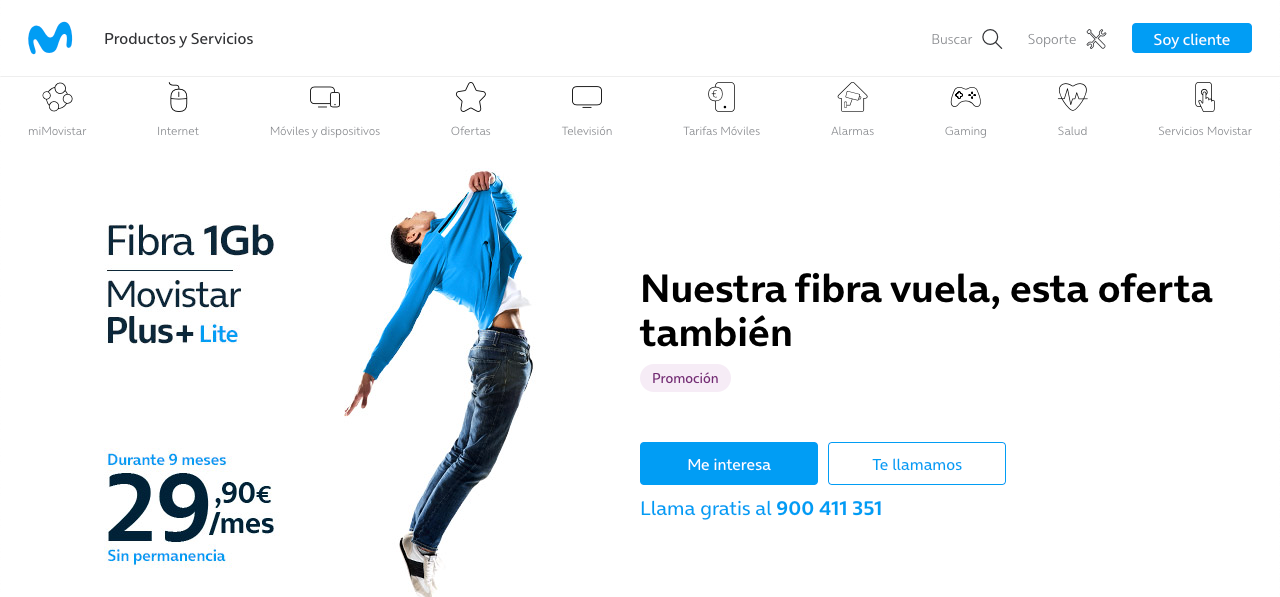
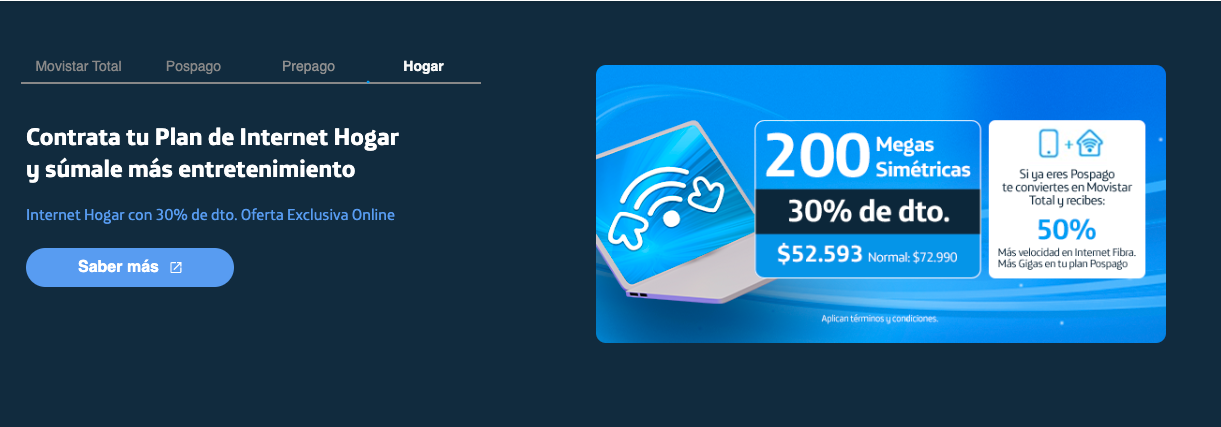
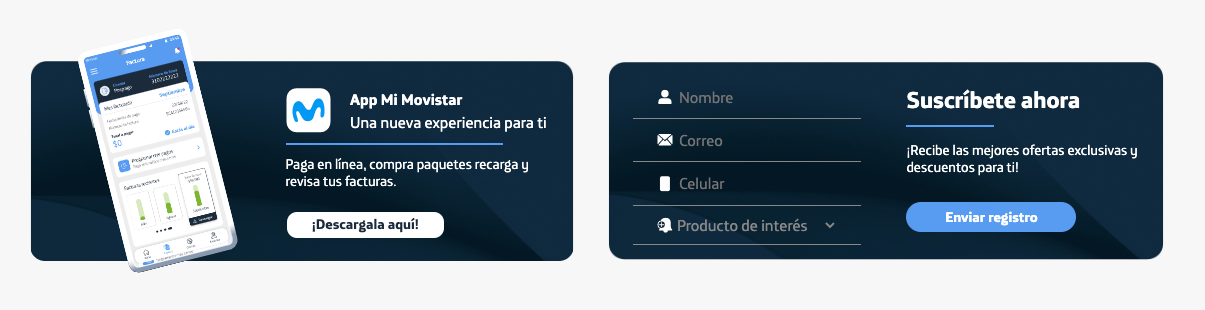
For our proposal, we focused on best practices such as minimalist, well-structured, and straightforward sites to achieve better content distribution and make it easier for users to find the information they are looking for. An example of this is the movistar.es portal .
Findings
Now that the work methodology has been established, it is time to analyze each section of the page in order to identify areas of opportunity and propose solutions.
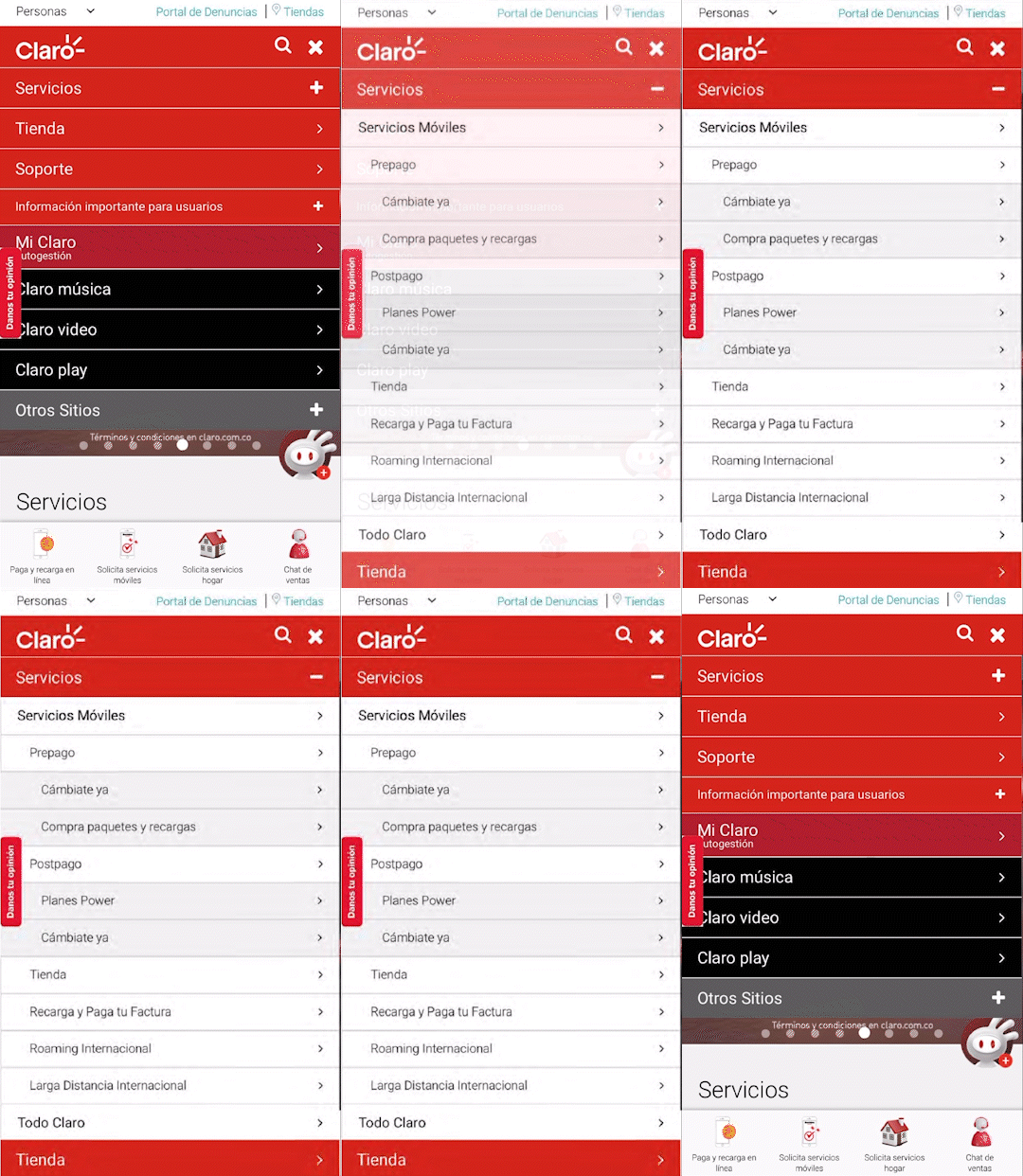
- When hovering over the menu items, there is no change in state, which could confuse the user between regular text and a button or link.
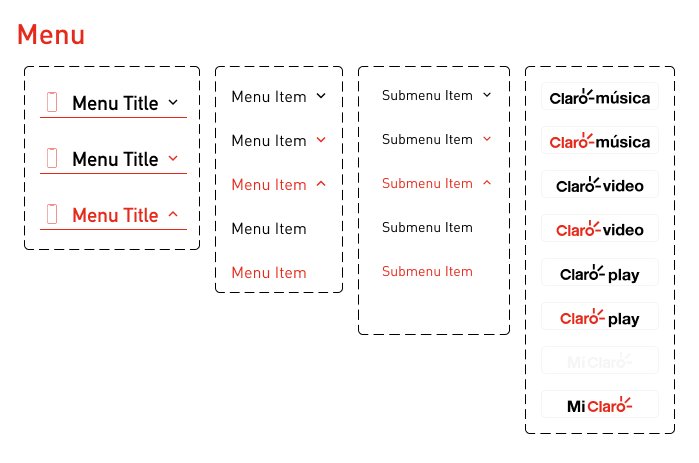
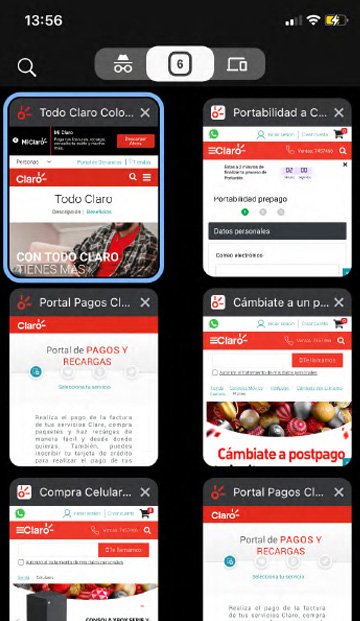
- The menus also do not have a hover state, and when the menu is expanded, it shows a large number of options, which can overwhelm the user. Furthermore, when clicking on links, some pages open in the same tab while others open in a new tab, which breaks the consistency of navigation and can be chaotic for the user since the links appear visually the same and should behave in the same way. This also leads to having too many tabs open, resulting in a cluttered and disorganized workspace.
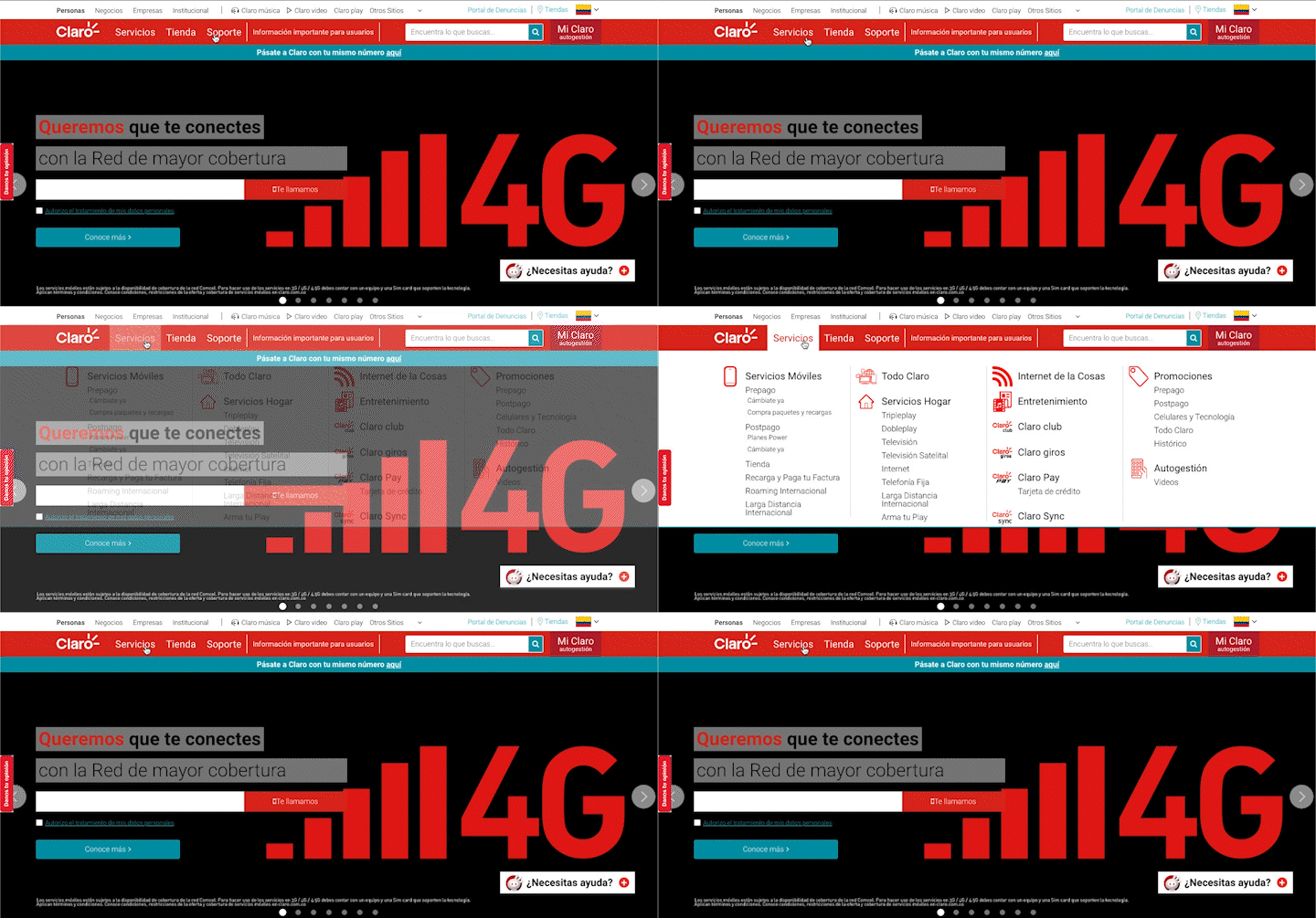
- The original menu design is built in rows with a color fill that works to separate categories or sections, but the problem is that it has too much visual weight, which can cause fatigue, clutter, and a feeling of saturation. Additionally, colors outside of the branding palette end up being used.
- When accessing an option in the menu, the entire list of options with their respective submenus is displayed, which causes screen saturation, and in some cases, scrolling is necessary to access some options.
- There is some iconography that can be confusing. Users recognize icons based on previous experiences and standards. Generally, the ">" icon is associated with more content/dropdown menus/more options. In this case, however, they are direct links, so this icon does not make sense to be there.
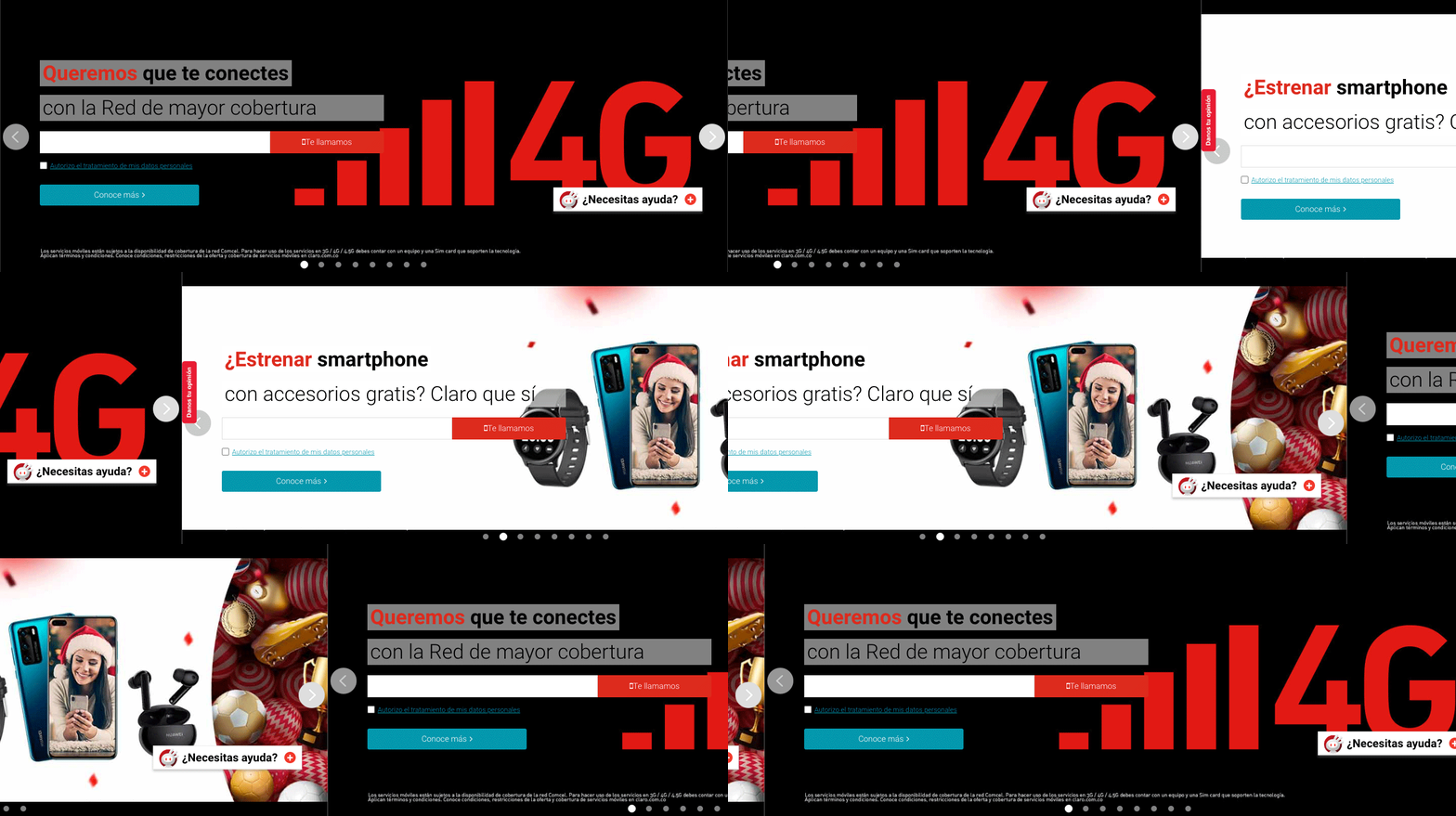
- On the homepage, a carousel with different banners is displayed. Some of them integrate a form that is not always clearly differentiated from the background. This can cause confusion for the user, as it may not be clear whether the form is a field for entering data or not.
- Depending on the design, banner titles may lose legibility, making it difficult for users to read the text.
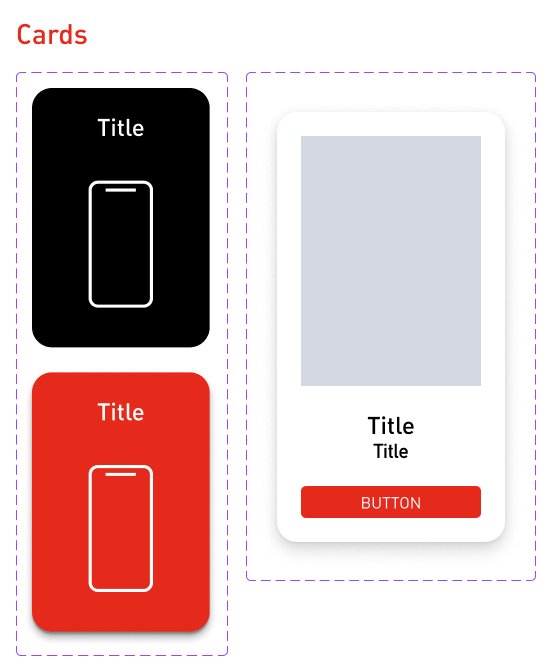
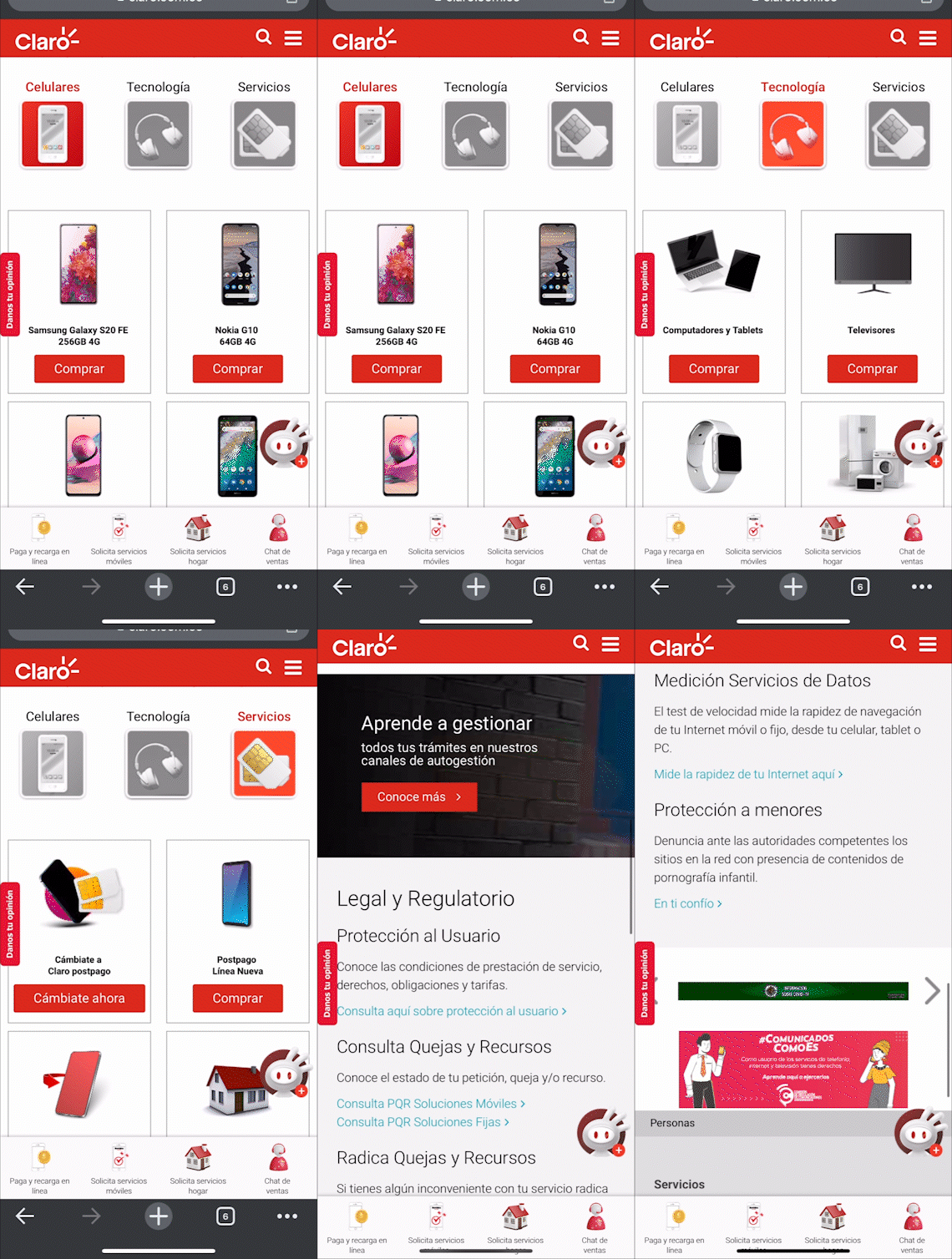
- During the research process, we found that there is no standardized UI design system. As a result, the design of icons, images, components, and colors is not consistent throughout the portal.
- We noticed various styles of icons, such as flat, 3D, and illustrations.
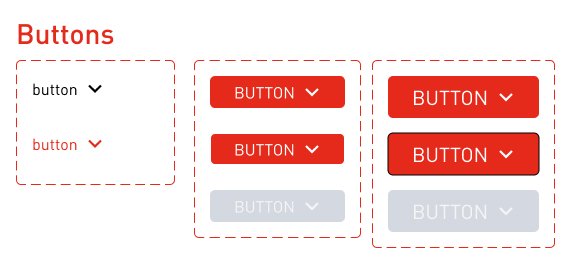
- The buttons do not change state when hovered over, except for the text which has an underline indicating it is a link by default. This design is perceived as old-fashioned and not well-maintained.
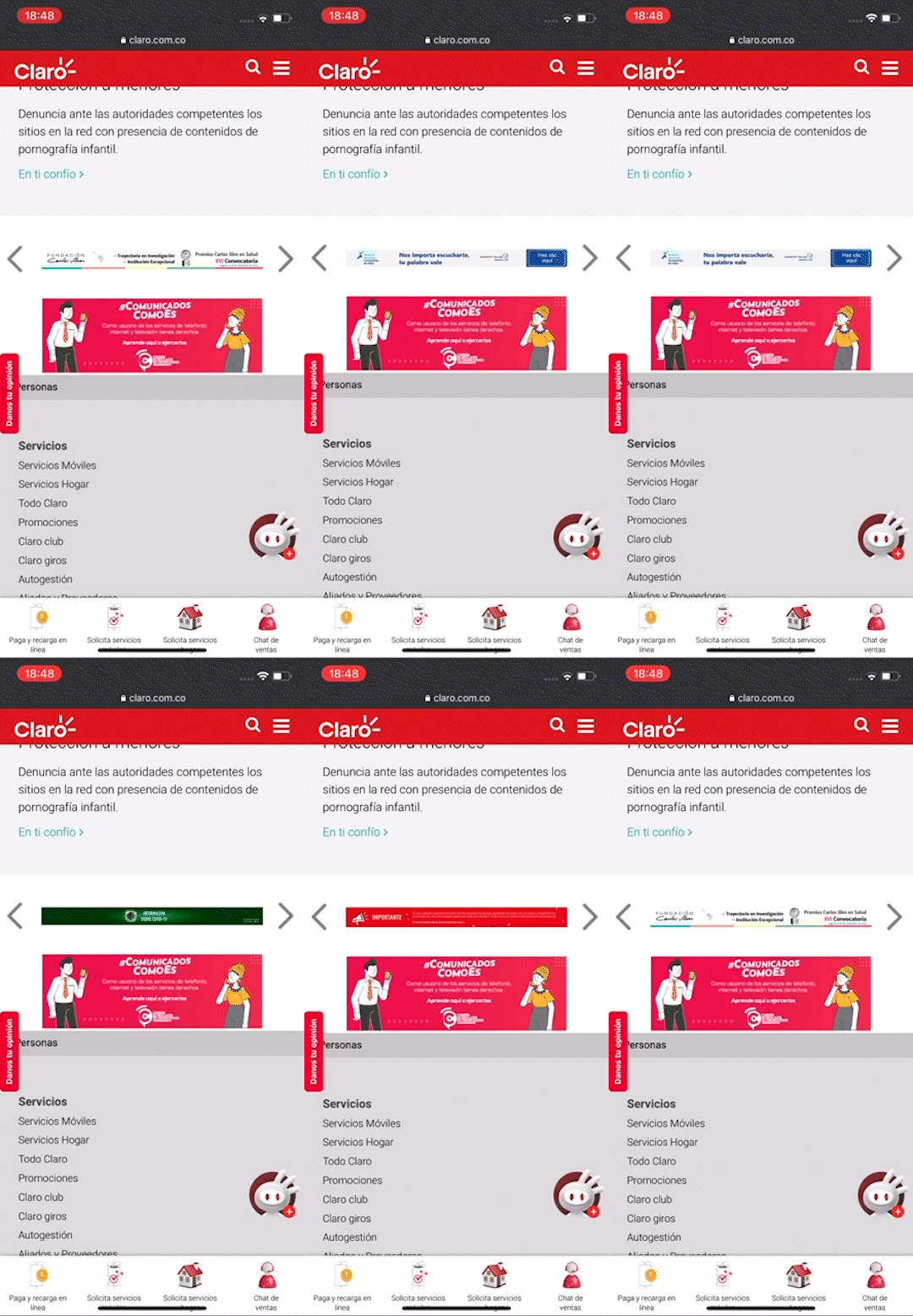
- The banners in the footer are not optimized for mobile, resulting in poor legibility.
Emphaty Map
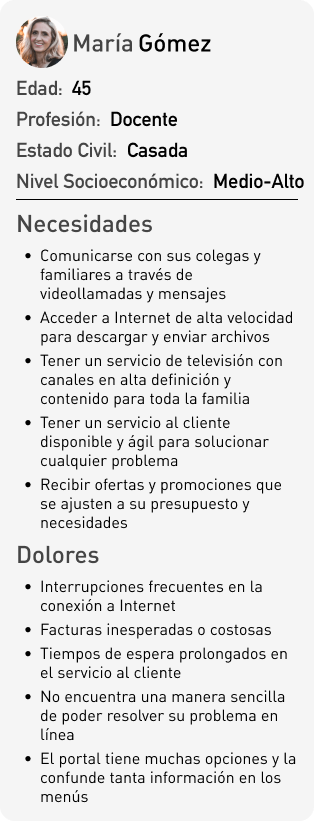
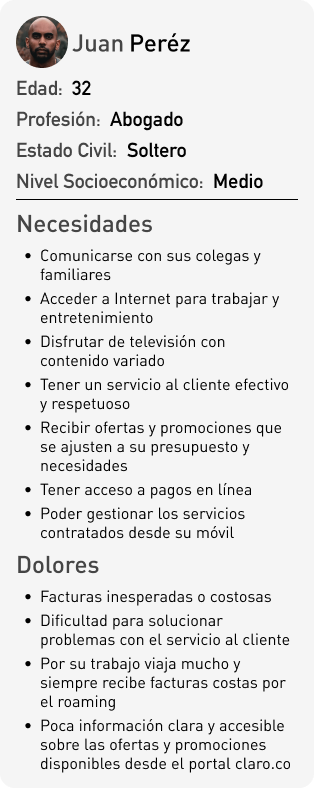
The use of empathy mapping is a very useful technique to identify the needs and desires of users, as well as their frustrations and concerns. By mapping the thoughts, emotions, behaviors, and environment of the user, we can better understand their needs and desires, allowing us to design more effective and user-focused solutions. Additionally, by understanding the user's context, we can ensure that our solutions are relevant and useful in their daily life.
Information Architecture
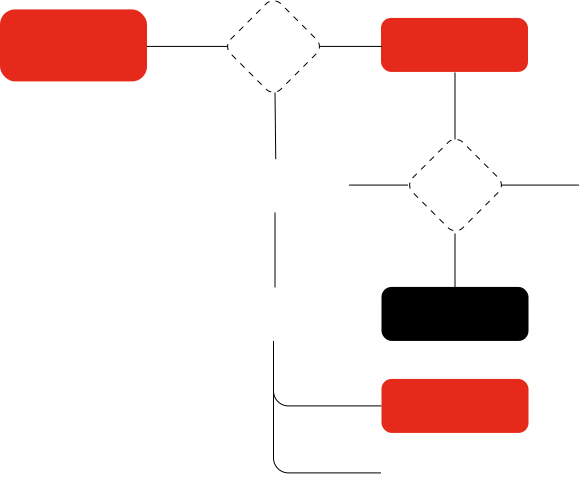
As part of the analysis, it is important to understand the site structure to understand what the user's journey map should be. This way, we can design more intuitive websites that make it easier for the user to find the information or action they want to perform.
UI Kit